
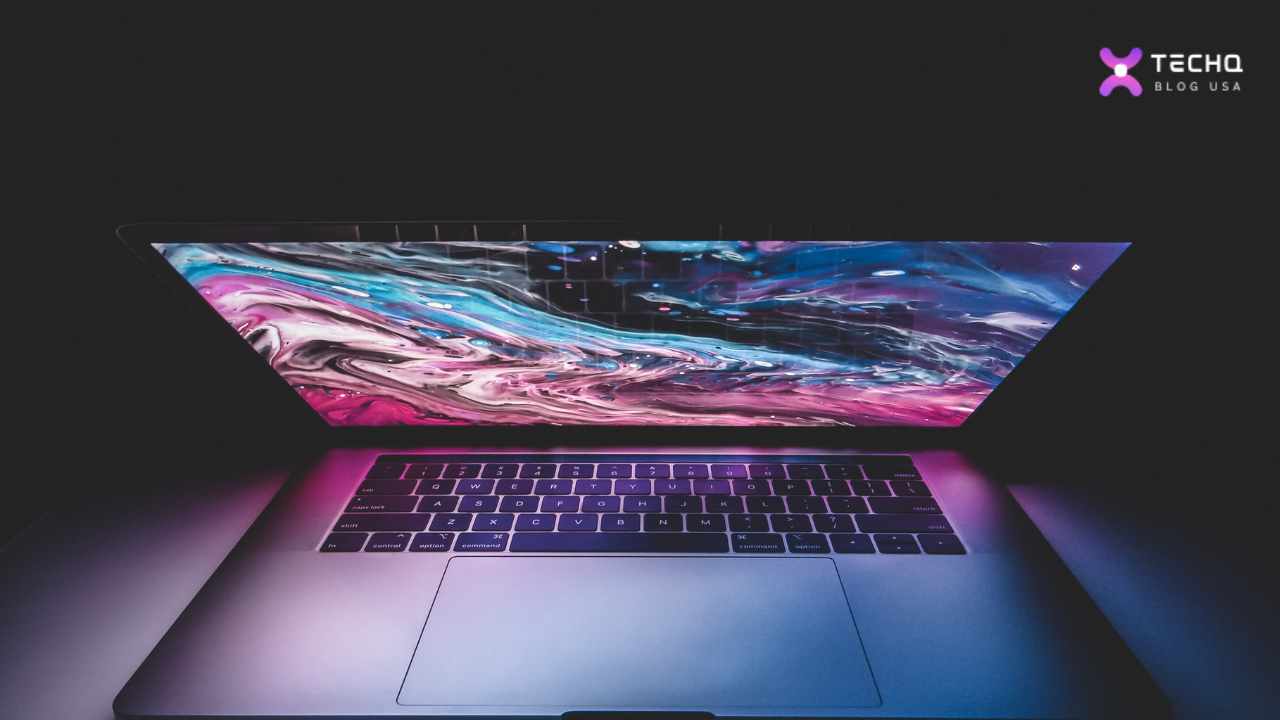
We’re always excited to explore the latest in personal computing. Apple’s MacBook Pro M3 Max has generated significant buzz among tech enthusiasts. We’ll look closer at the Apple M3 Max chip’s performance, assess its value, and help you determine if it’s the right choice for your needs.
Apple’s M-series chips changed the game for laptops, blending incredible power with fantastic battery life. Now, the M3 family, and its king, the M3 Max, are pushing the limits even further. These machines are built for pros who make their gear hard. But is this new king your king? This guide will walk you through the essential questions to find your answer.
Key Takeaways
- The Apple M3 Max chip offers unprecedented performance for demanding workflows.
- Improved energy efficiency and extended battery life make the MacBook Pro M3 Max a compelling choice for on-the-go computing.
- Stunning Retina display and Pro Display XDR support elevate the visual experience.
- The decision to upgrade to the MacBook Pro M3 Max depends on individual needs and budgetary considerations.
- A thorough evaluation of your workflow and performance requirements is crucial in determining if the upgrade is worth it.
Forget sifting through endless reviews. We’re tackling your most burning questions head-on, step-by-step. We’ll explore the power, price, and practicalities and help you decide if the M3 Max upgrade is truly worth it for your professional needs. Let’s dive into the details.
How Powerful is the Apple M3 Max Chip?
Imagine your computer’s brain. Now imagine giving it a superhero boost and a team of super-fast helpers. That’s close to the M3 Max. Built with an incredibly tiny 3-nanometer technology, it packs in a mind-boggling 92 billion tiny switches (transistors).
But what does that mean for your work?
- The Engine (CPU): It can have up to 16 cores – think of these as 16 super-smart workers. 12 are built for heavy lifting (performance cores), and 4 are for everyday tasks (efficiency cores). This means it can edit huge video files, run complex code, or design massive projects much faster than before, sometimes up to 80% faster than the already fast M1 Max.
- The Artist (GPU): This is where it truly shines, with up to 40 graphics cores! It’s like having a high-end animation studio in your bag. It introduces hardware-accelerated ray tracing, making 3D models and game lighting look unreal. It also speeds up video rendering dramatically. Tasks that used to take ages now fly by.
- The Brainiac (Neural Engine): This 16-core part handles Artificial Intelligence (AI) tasks faster. Think more intelligent photo editing, quicker voice-to-text, and faster data analysis.
- The Superhighway (Memory): With up to 128GB of ‘unified’ memory (meaning it’s super-fast and shared by everyone), it’s like having a massive, multi-lane highway for data. No more traffic jams when using huge files or tons of apps.
So, how powerful is it? It’s powerful enough to make tasks that once seemed impossible on a laptop feel smooth and fast. It’s a true beast.
Is the MacBook Pro M3 Max Overkill?
Can a sports car be “overkill” for a trip to the corner store? Absolutely. And the M3 Max can be overkill for many professionals. It’s built for those who push the boundaries of what a computer can do.
You might need it if:
- You edit 8K video daily or work with extremely complex visual effects.
- You build and render intricate 3D models and animations.
- You compile massive software projects or train complex AI models.
- You work with gigantic scientific datasets or architectural plans.
For these users, the time saved is money earned. The M3 Max isn’t overkill; it’s a vital tool.
It’s likely overkill if:
- You primarily write, browse the web, and manage emails.
- Your work involves standard spreadsheets and presentations.
- You edit photos or 1080p/4K video, but not at an extreme, high-volume level.
- You’re a student in a non-specialised field.
For these users, the M3 Pro or even the base M3 offers fantastic performance at a much lower cost. Don’t pay for horsepower you’ll never use.
What Year is the MacBook Pro M3 Max?
Apple announced the MacBook Pro lineup featuring the M3, M3 Pro, and M3 Max chips on October 30, 2023. They became available for purchase in November 2023. These are the models from late 2023, representing Apple’s latest laptop technology at the time.
What is the M3 Pro Chip on a MacBook Pro?
If the M3 Max is the top-tier racing engine, the M3 Pro is its slightly tamer, but still incredibly potent, sibling. It’s the “middle child” of the M3 family, sitting a big step above the standard M3.
Think of the M3 Pro as the perfect fit for professionals who need serious power but don’t quite need the absolute extreme capabilities (and cost) of the M3 Max. It offers:
- Plenty of CPU Power: With up to 12 cores, it’s a champ at coding, high-res photo work, and most 4K video editing.
- Strong Graphics: Its up-to-18-core GPU handles demanding graphics tasks beautifully.
- Generous Memory: It supports up to 36GB of fast unified memory, which is great for running multiple pro apps.
It hits a “sweet spot” for many graphic designers, developers, photographers, and video editors.
Which is Better, M3 Pro or Max?
“Better” depends entirely on your job. It’s not about an absolute winner, but the right tool for the task.
- Choose M3 Max if: Your income depends on squeezing every last performance drop out of your machine. You work with the biggest files (8K+ video, huge 3D scenes) and the most complex processes (AI, massive code). You need the most GPU cores and the highest possible RAM (128GB).
- Choose M3 Pro if: You’re a serious professional needing a fast, reliable machine for demanding work (4K video, complex design, coding), but you don’t live on the absolute bleeding edge. You value a balance between power and price, and 36GB of RAM is enough.
Let’s look closer:
As you can see, the M3 Max often doubles key specs, especially around graphics and video. If those doubles directly impact your workflow, it’s “better.” If not, the M3 Pro is likely the “better” (more intelligent) choice.
Why are MacBook Pros so Expensive?
Ah, the age-old question! It’s true, they carry a premium price tag. Here’s a breakdown of why:
- Innovation Costs: Designing these custom M3 chips is incredibly expensive. Apple spends billions on R&D to create these unique, powerful, and efficient processors.
- Top-Notch Build: The aluminium body, the high-quality keyboard, and the vast, precise trackpad are made with premium materials and tight manufacturing standards. They feel expensive because they are.
- Stunning Screens: The Liquid Retina XDR displays are some of the best you can get on any device. Their brightness, colours, and detail are phenomenal – and costly.
- Fast Insides: They use super-fast SSD storage and high-bandwidth unified memory, which are more expensive than standard components.
- The Apple Ecosystem: You pay for macOS, its deep integration with the hardware, regular updates, strong security, and how well it works with iPhones, iPads, and Watches.
- Brand & Resale Value: Apple is a premium brand, and that carries a cost. However, MacBooks hold their value remarkably well, so you get more back when you sell or trade them in.
You’re paying for a powerful, well-built, and well-supported tool designed for a long life.
What are the Disadvantages of MacBook Pro?
Even a premium machine isn’t perfect for everyone. Consider these points:
- The Price: It’s a significant barrier for many.
- No Upgrades: This is a big one. The RAM and storage are built-in. You cannot add more later. You must buy what you’ll need for years upfront.
- Repair Costs: If something breaks, repairs can be expensive and often need Apple’s touch.
- Ports: While better now with HDMI and an SD slot, you’ll still likely need adapters (dongles) for older USB-A devices.
- Gaming Gap: It can play games much better now, but the selection of top-tier games still isn’t close to Windows PCs.
How Long Do MacBooks Last?
This is where the high cost starts to make more sense. MacBooks are known for their longevity.
- Build: They are built like tanks. The physical laptop can easily last 7 years or even longer with reasonable care.
- Software: Apple provides macOS updates for many years, usually 6 to 8 years from the model’s release. This keeps your machine secure and able to run new apps.
- Performance: A high-end model like an M3 Max will likely feel fast and capable for at least 5-7 years, even for demanding professional work, because it starts far ahead of the curve.
Many people use their MacBooks for much longer than typical Windows laptops. Consider it a R1000 per year investment spread over 5 years rather than just a R5000 hit today.
Is the MacBook Pro M3 Max Worth Buying?
This brings us back to our core question: MacBook Pro M3 Max: Is the Upgrade Worth It?
After considering the power, cost, pros, and cons, the answer is: It depends entirely on your work and your budget.
It is absolutely worth buying if:
- You are a top-tier professional in fields like 8K video, 3D/VFX, or AI/ML.
- Your current machine is a bottleneck, costing you time and money.
- You need the absolute maximum portable power available.
- You can comfortably afford the high price and configure it with enough RAM/Storage for the long haul.
It is likely not worth buying if:
- Even if professional, your work doesn’t push current high-end limits (M3 Pro is likely enough).
- Your budget is tight.
- You need the flexibility to upgrade components later.
- You can achieve your goals perfectly well with a less powerful (and less expensive) machine.
Don’t buy the M3 Max just for bragging rights. Buy it because it’s specific, immense power solves a real-world problem for you and offers a clear return on your investment, whether that return is time saved or new creative possibilities unlocked.
Conclusion: Your Workflow, Your Choice
The MacBook Pro M3 Max is a testament to Apple’s engineering prowess. It’s a specialised tool, a powerhouse designed for the most demanding professionals who must crush deadlines and push creative boundaries. It’s fast, beautiful, and built to last.
But it’s not for everyone. The M3 Pro offers tremendous power for a wider audience, and the Max’s high cost demands careful consideration. The decision isn’t just about getting the ‘best’—it’s about getting the right machine for your specific journey.
So, look hard at your daily tasks, future goals, and bank account. Does the M3 Max’s monumental power align with your needs? Will its speed translate into real-world benefits for you? Only you can truly answer that, but now, you have the detailed information to make the best choice.
You May Like To Read:
- The Rise of AI: Transforming Every Industry
- Metaverse Mania: The Future of Virtual Reality
- Cloud Computing Technology: Revolutionizing Modern Business
- DevOps vs Agile: Optimize Your Workflow
- Top 10 AI Tools to Skyrocket Your Creativity
- DIY Smart Home Setup: Automate Your World
- AI vs Human: Who Will Be the Boss of Jobs in the Future?
- The Future of Transportation: Innovative Revolution